
Notification Area Cleaner
© 2010 Igor Tolmachev, IT Samples Related Software
Notification Area Cleaner for Windows 7-10 allows you to remove unused icons for programs that no longer installed on the Notification Area Icons list.
Running this utility will reset all the notification area and keep only icons of active programs.
To remove the notification area icon cache, just run the executable and click the Clean button.
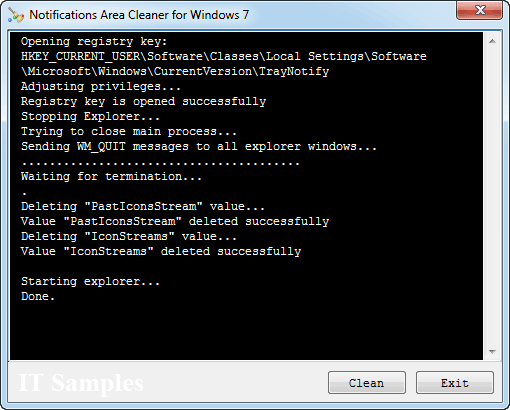 Sometimes you may need to run the program as administrator if it is reporting an Access Denied error or No Permission error.
On Windows 10, you can launch the program with administrative permissions by using the contextual menu and choosing the "Run As Administrator" menu item.
Downloads
version: 1.0 (32-bit) download (50KB, revised March 07, 2010)
version: 1.0 (64-bit) download (57KB, revised March 14, 2011)
If you encounter a problem while running this utility or you have any suggestions, comments, you can send a message to support (at) itsamples.com
Comments
 Did you find software that was helpful? Please make a little donation here.